
Asset bank
The asset bank
Models, characters, sounds, animations and effects shared by your games.
The asset bank is shared by all your games. You browse it in the app's Assets section, sorted into tabs: Models, Characters, Sounds, Animations, Effects.
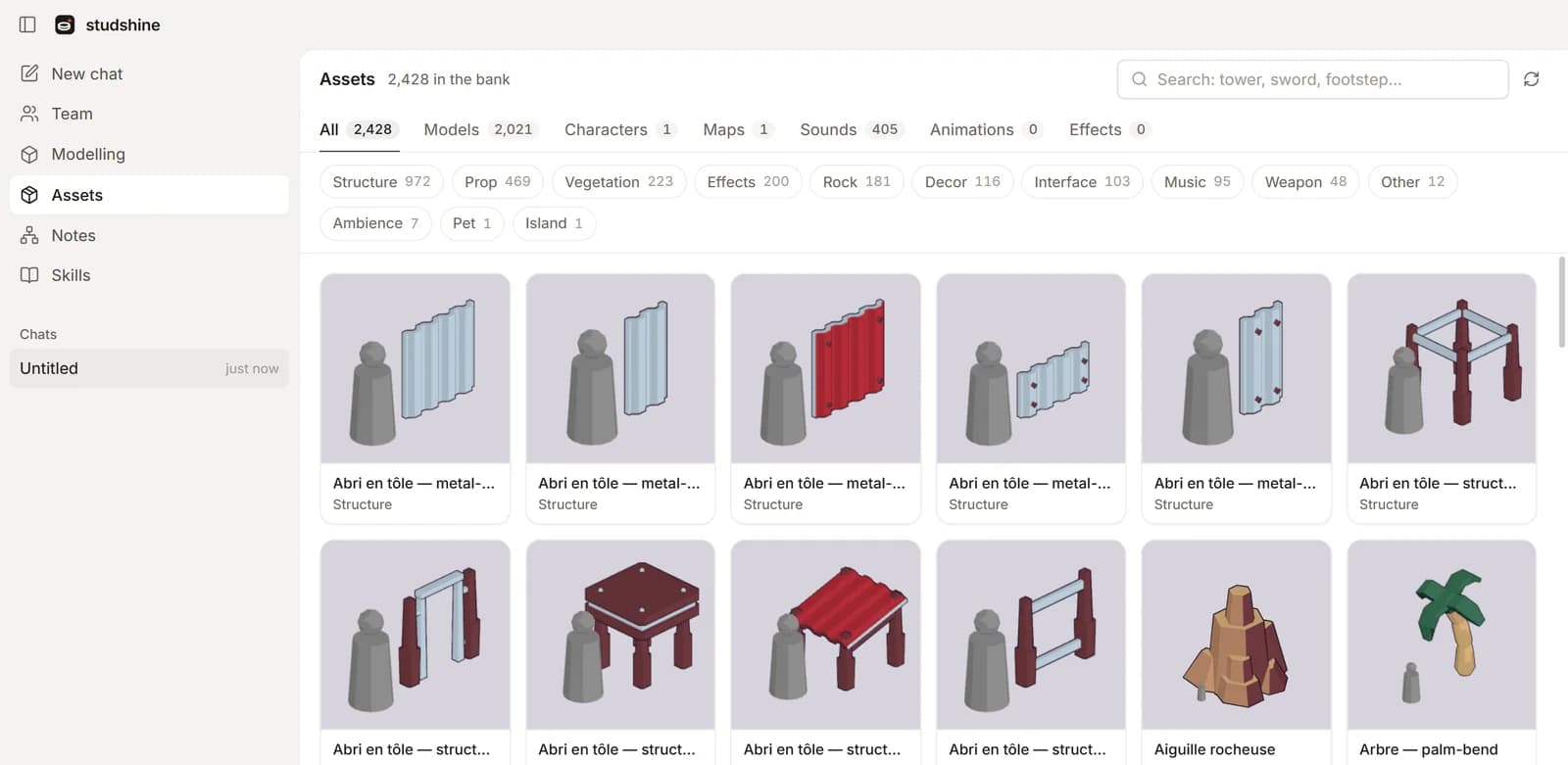
- Before making or generating anything, Studshine searches the bank.
- A bank asset takes on your game's colours and materials when it comes in.
- A creation you keep can go into it, to serve in your other games.
- An asset's copy button puts it on the clipboard: paste it into a chat for the AI to use.
Assets from elsewhere
Studshine can also take free assets (CC0 licence or commercial use allowed) or assets from the Roblox Creator Store. It first reads the licence on the asset's page and notes it, sets aside any scripts a model contains, then adapts the asset to your style in Blender.